Settings
Config Settings
During installation or restart, some settings are set to default values and are persisted in the config volume
Folder Monitoring, must be enabled/disabled during install or startup.
App Settings
After installation, all other app options can be updated on the Settings page.
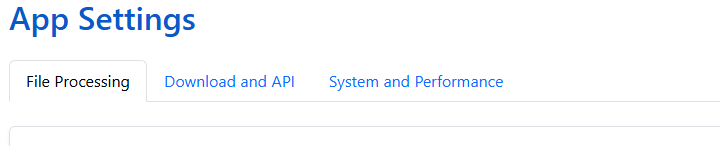
There are 6 sections in the app settings:
- Libraries - Add, Edit, Pause and Remove libraries
- File Processing - Settings related to file monitoring and renaming
- Download and API - Metadata providers configuration and download settings
- Metadata Providers - Metadata providers configuration and download settings
- System and Performance - Timesone, performance logging and library scan settings
- Preferences - Update the Homepage layout, change the theme, and enable recommendations