Reading Comics
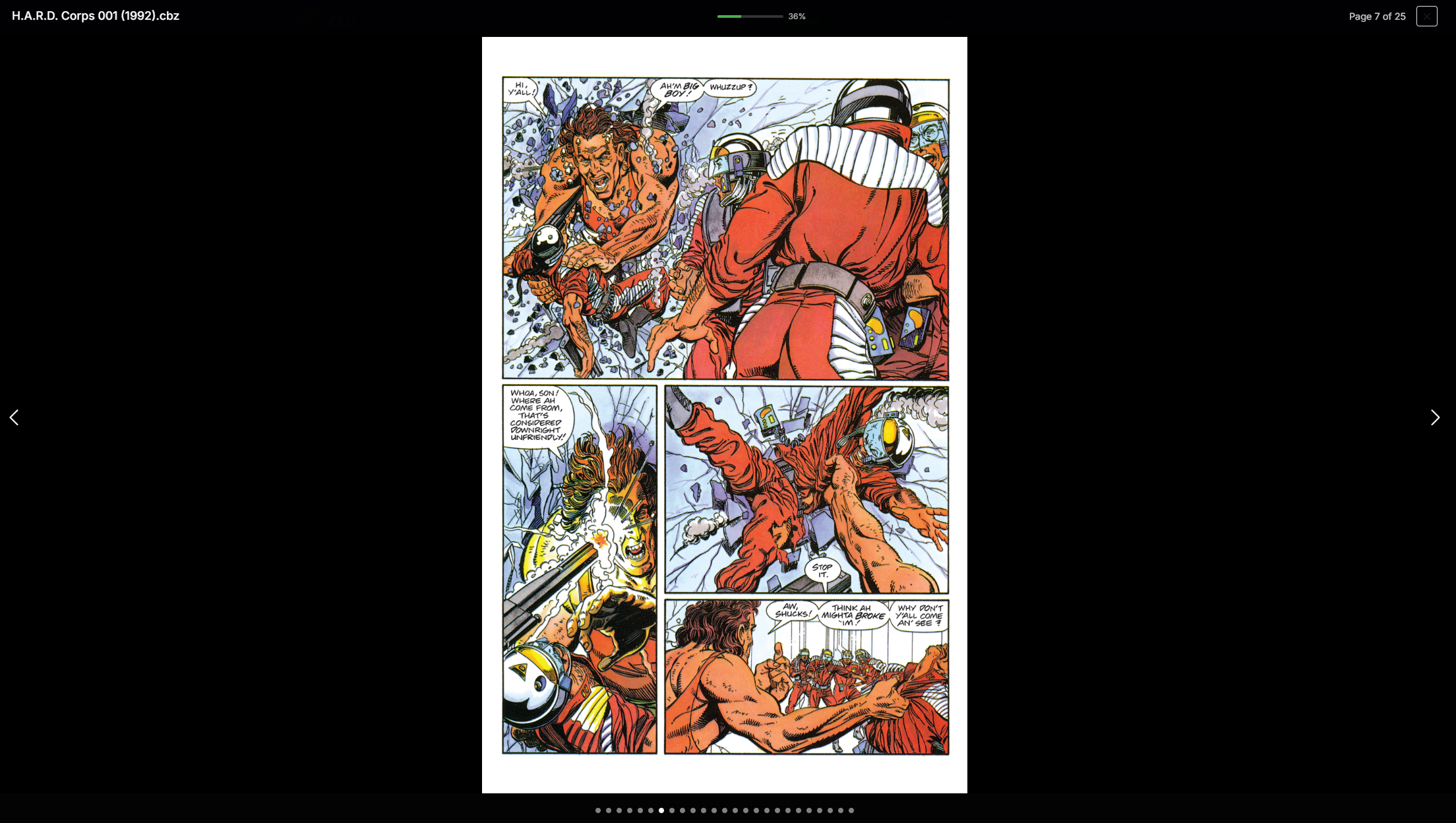
Reading a Comic
When browsing your collection, you can click on a comic to read it. The reader will open in a modal over the page.
Read vs Unread Status
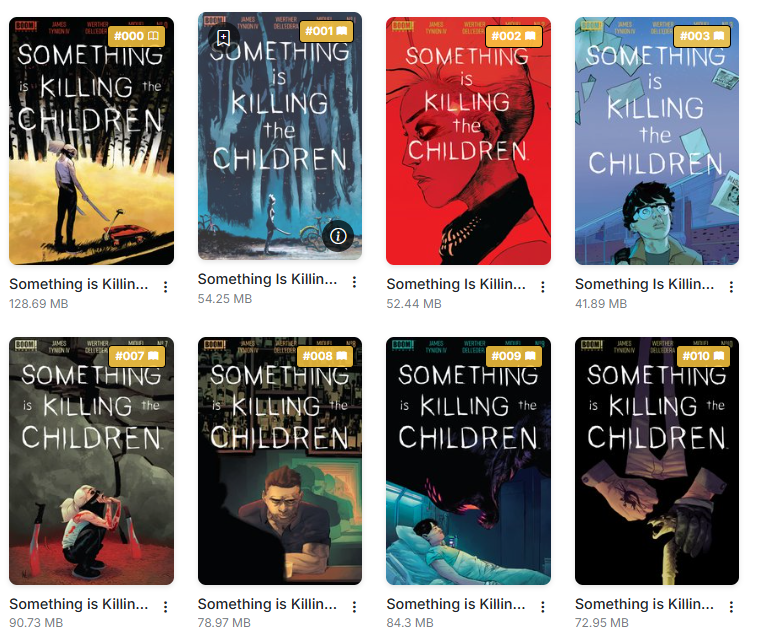
Read vs Unread Status
When you read a comic, it will be marked as read and saved in your history. This is done automatically when you reach 90% of the issue.
Additionaly, you'll see a unread/read icon in the right corner of the cover, directly after the issue number
Reader Features
The current implementation is a simple reader that allows you to read your comics quickly.
It has the following features:
- Fast Performance: Even with large files, the reader will load near instantly. It does this byb loading only the first image of the file and pre-loading the next image as you read.
- Responsive Design: The reader is designed to work on any device, whether it be a desktop, tablet, or phone.
- Page Count: The reader will show the page count of the issue along with the current page number.
- Progress Bar: The reader will show a progress bar, indicating how far you have read. When this reaches 90%, the issue will be marked as read and saved in your history.
- Jump to Page: The dots along the bottom allow you to jump to a specific page in the issue.
Resume Reading
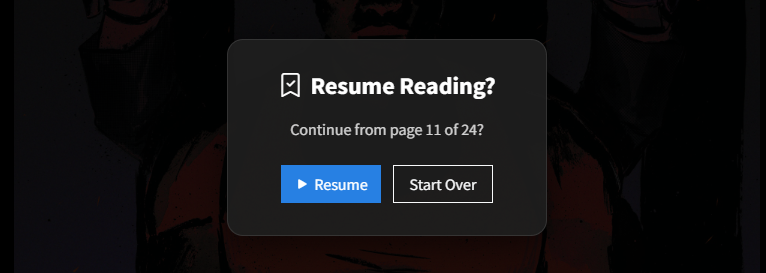
Resume Reading
If you close the reader before reaching 90%, CLU will Bookmark your place and ask if you want to resume reading when you open that file again
You can manually set a bookmark by clicking on the icon in the top-right corner.