Click to Download
Supported Sites
Currently, GetComics.org and Comic Book Plus are supported for downloads.
As you browse these sites and find a book you'd like to read, v2 of the extension will append a CLU icon next to the supported download link(s).
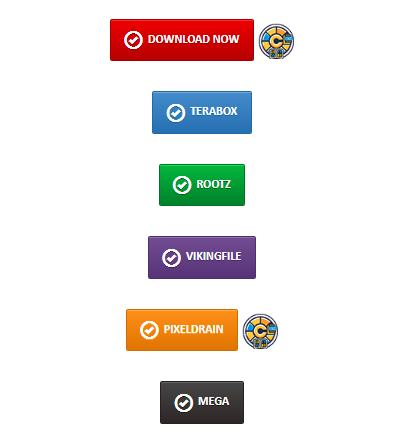
Click to send to CLU
Clicking this will send the download request to CLU and you'll see it show up in the download status page.
Some older style links may not have the icon appended. In this case, you can right click one of the supported download providers and you should see Send to CLU in your context menu
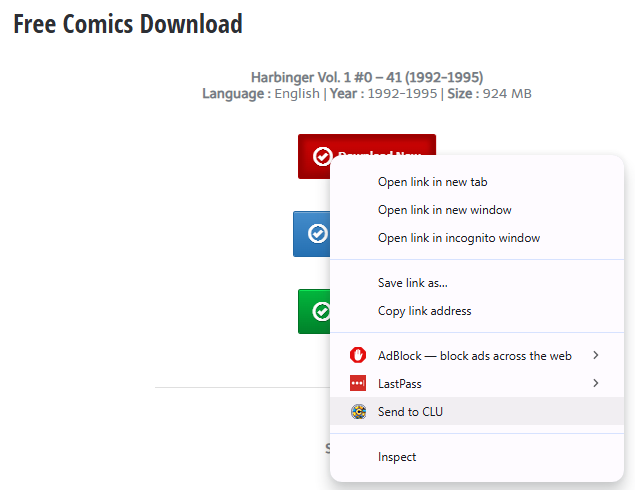
Send download to CLU
You can then navigate to the Download Status page in CLU (http://localhost/status) and watch the progress of the file download
Supported Providers
All supported providers are free tier only and currently do not support login or credentials.
GetComics.Org
Indicated by Red Download Now and Blue Mirror Download buttons.
Pixeldrain
Indicated by the Pixeldrain button
Mega.nz
Indicated by the Mega button
Comic Book +
When logged in and browsing https://comicbookplus.com, right-click on the "Download File" link