Download Status Page
From this page you can view current and pending downloads.
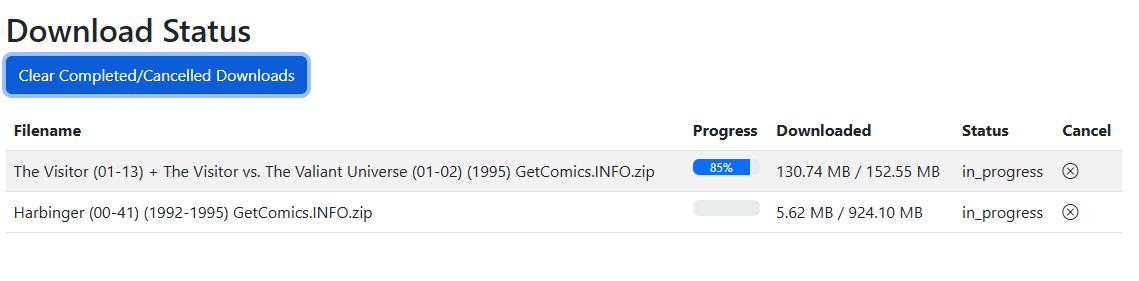
Download Queue
Downloads are queued in the order they are received. Downloads are restricted to 3 at a time. When one download finishes, the next in the queue will start.
Once a download is started, the Filename and File Size/Downloaded fields will populate. Prior to starting, downloads currently show "N/A" for file details.
Status
This will show one of the following statuses:
- queued
- in_progress
- error
- complete
Completed Downloads
Downloads use the Folder Monitoring feature to process downloads. All files will saved in the WATCH directory and moved to the TARGET once they are processed.
You can adjust how files are processed in the File Settings.
Cancel
Before a download starts or while in progress, you can cancel a download. Once cancelled, the details are still present until you click the "Clear Completed / Cancelled Downloads" button
Automated Downloads
If you are using the Metron API and the Pull List feature, CLU will attempt to auto-download all missing issues for the series on your pull list.