Crop Cover
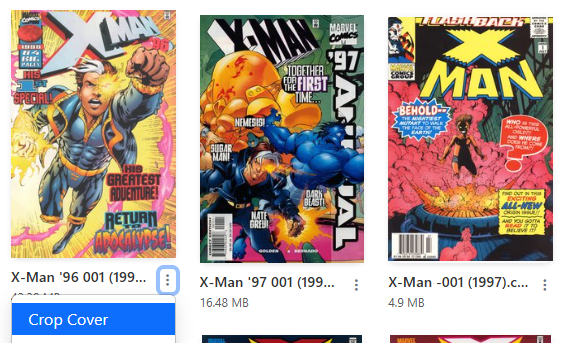
Accessible in the File Manager view or Collection view, via the dropdown menu.
Use this tool to crop a cover that is front & back, to front only.
The wraparound cover is not deleted, but re-ordered in the CBZ to be the 2nd image.
| Before | After |
|---|---|
 |
 |