Remove First Image
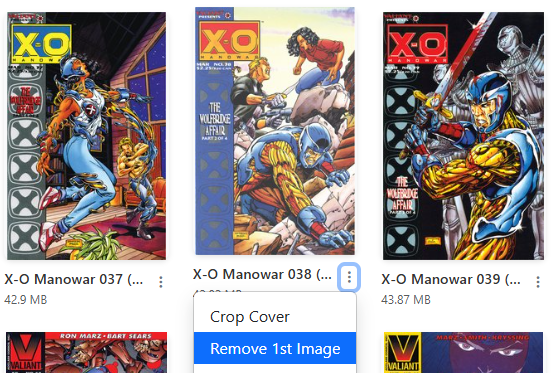
Accessible in the File Manager view or Collection view, via the dropdown menu.
Many older files will have a cover image that is not the cover of the comic.
Use this utility to remove the first image in the file.
| Before | After |
|---|---|
 |
 |
Danger
The process is not reversible, and the file will be deleted. Occassionally, the first image is not the cover, and this utility will remove the cover by mistake. I reccomend using the Edit File feature to remove the cover on the first occurrence, to ensure the cover is not removed by mistake.