First Run & Logging In
Store Owner Setup
On a fresh install CLU shows a one-time Store Owner Setup screen at /setup-owner. Pick a username and a password; that account becomes the Store Owner and, once it exists, the setup screen redirects home and never appears again.
You are not required to do anything else. With a single account and no environment gate, CLU stays in implicit-owner mode: no login screen, no role checks, no folder scoping.
Logging in
Once a second account exists — or the CLU_USERNAME/CLU_PASSWORD environment gate is set — CLU requires a login.
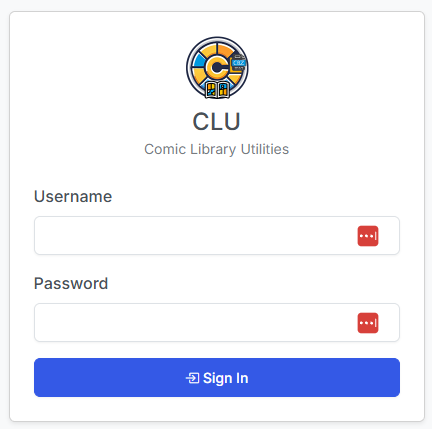
Passwords are stored using werkzeug hashing, never in plaintext. The session secret is persisted, so logging in survives a container restart rather than logging everyone out on every upgrade.
Migrating the legacy CLU_USERNAME / CLU_PASSWORD gate
Older CLU installs used two environment variables as a simple password gate. Those still work, but they are no longer the mechanism — they are a seed.
At startup, CLU migrates those credentials into a real, hashed Store Owner account. The same username and password keep working, but now through the normal login screen, and the account can be edited, given tokens, and joined by other accounts like any other.
Setting the env gate forces multi-user mode
While CLU_USERNAME/CLU_PASSWORD are set, CLU runs in multi-user mode even with only one account. Remove them if you want the login-free experience back — see below.
See the Config Installation page for where these variables live in your Docker configuration.
How to stay single-user
Implicit-owner mode is the default and requires nothing from you. To keep it:
- Keep exactly one account.
- Do not set
CLU_USERNAME/CLU_PASSWORD.
How to get back to no-login
If you tried multi-user and want the login-free experience back:
- Delete every account except the Store Owner (see Managing Users).
- Remove
CLU_USERNAMEandCLU_PASSWORDfrom your Docker environment, if set. - Restart CLU.
Lost the only owner password?
The last active Store Owner is protected and cannot be demoted, deactivated, or deleted, so you cannot lock yourself out from inside the app. There is, however, no in-app password recovery — setting CLU_USERNAME/CLU_PASSWORD after an owner already exists does not reset it, because those variables only seed an owner when no account exists at all. Recovering a forgotten owner password means resetting it directly in the CLU database. Ask on Discord before you start.
Changing a password
Passwords are changed from Settings → Users by a Store Owner, including the owner's own — see Managing Users. The My Account page covers appearance, dashboard layout, and API tokens only.