Rename
CLU provides several renaming workflows in the File Manager, ranging from quick inline edits to batch string replacements and series-wide standardization.
Rename Single Files
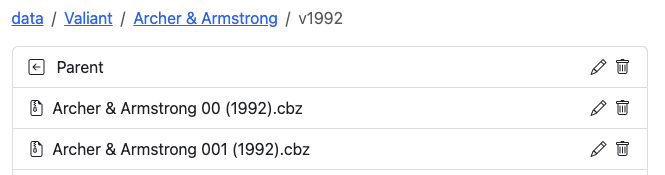
To rename an individual file or folder, hover over the item and click the :pencil2: (pencil) icon. The name turns into an active text field.
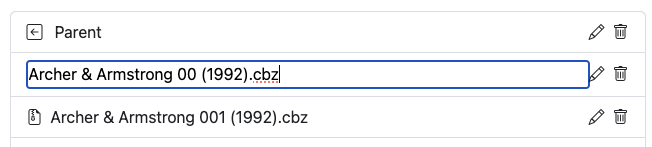
Enter the new name and press ENTER to save the change immediately to disk.
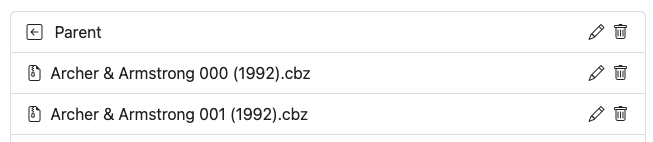
Rename All Files in a Directory
In any directory listing, click the button to execute automated batch cleaning across all comic archives in that directory:

This runs the automated cleaning and formatting engine detailed in Rename All Files. Batch renames run on the shared file job queue, executing safely behind any active metadata tagging or XML removal jobs.
Remove Text from Files
To remove specific characters or substrings (such as unwanted scanner tags or volume markers like " v01") across all files in a directory, click Remove Text from Filenames:
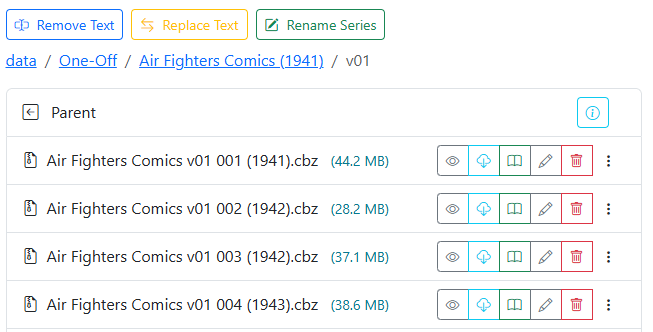
- Enter the exact text you want removed (including leading or trailing spaces if applicable).
- Click Preview to review the proposed filename transformations before applying changes.
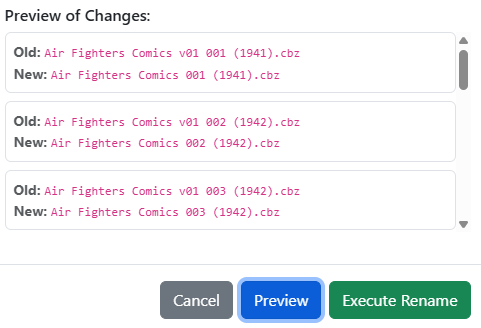
- Click Execute Rename to apply the changes to disk. A summary modal confirms the number of files updated.
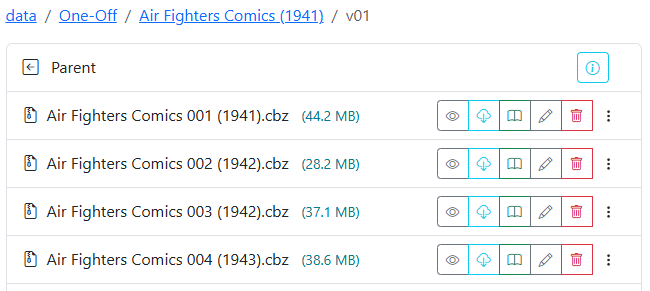
Replace Text in Filenames
To substitute one string for another across all files in a folder (for example, correcting "Saga of the Swamp Thing" to "The Saga of the Swamp Thing"), click Replace Text:
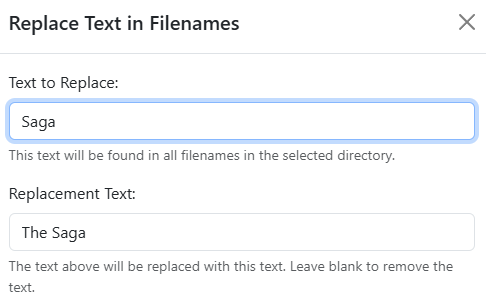
- Enter the target text to find and the replacement text.
- Click Preview to inspect the before and after comparisons.
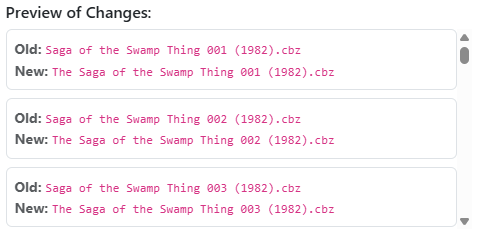
- Click Execute Rename to process the changes.

Rename Series
If an entire folder of files has an incorrect, truncated, or inconsistent series prefix, click Rename Series. This operation replaces the series name across all files in the directory while preserving the existing {issue} and {year} values.
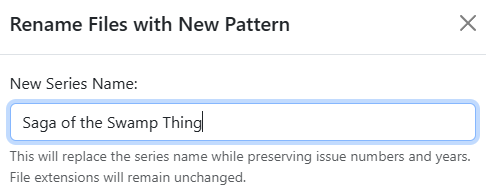
- Enter the desired series title.
- Click Preview to verify how the new series name pairs with existing issue numbers and years.
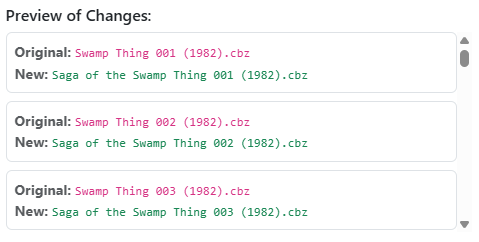
- Click Execute Rename to finalize the batch update.