Add Blank Image
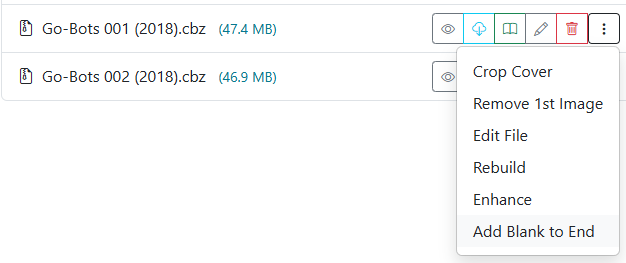
Accessible in the File Manager via the menu on any comic card.
In two-page spread and dual-page reader modes (such as Komga, Kavita, or desktop comic viewers), pages are rendered side-by-side in pairs. If a comic or manga volume has an odd number of pages, or lacks an alignment spacer, every subsequent two-page spread throughout the book can become misaligned.
The Add Blank Image tool inserts a blank image (zzzz9999.png) at the very end of the CBZ archive. This evens out the page count, ensuring dual-page layouts and splash spreads display across matching panels without modifying story content.