Click to Download
Supported Sites
Currently, GetComics.org and Comic Book Plus are supported for downloads.
As you browse these sites and find a book you'd like to read, v2 of the extension will append a CLU icon next to the supported download link(s).
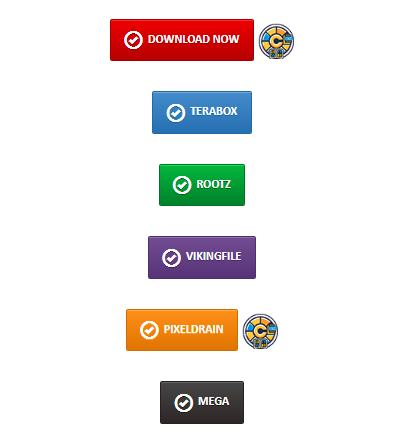
Click to send to CLU
Clicking this will send the download request to CLU and you'll see it show up in the download status page.
Some older style links may not have the icon appended. In this case, you can right click one of the supported download providers and you should see Send to CLU in your context menu
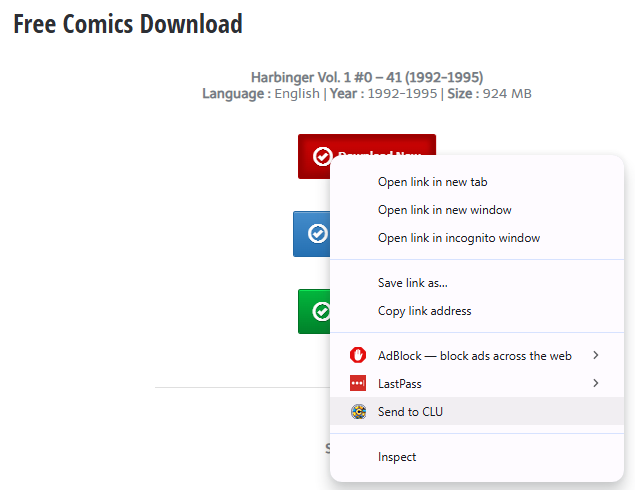
Send download to CLU
You can then navigate to the Download Status page in CLU (http://localhost/status) and watch the progress of the file download
Supported Providers
All supported providers are free tier only and currently do not support login or credentials.
GetComics.Org
Indicated by Red Download Now and Blue Mirror Download buttons.
Pixeldrain
Indicated by the Pixeldrain button
Mega.nz
Indicated by the Mega button
Comic Book +
When logged in and browsing https://comicbookplus.com, right-click on the "Download File" link
The Search Modal
Separately from the browser extension, CLU has a source-search modal you open from inside the app — on a series page, the Wanted Issues page, and the Reading Lists page. It queries every configured download source at once: GetComics, Usenet, and DC++, each under its own section header ordered by Source Priority.
Queue more than one at a time
New in v6.3
Every result now has two buttons: download, or download and keep searching.
Clicking a result used to queue it and close the modal, which made queuing a terminal action — so spotting a second or third file you wanted meant reopening the modal and re-running the entire search for each one.
| Button | What it does |
|---|---|
| Download | Queues the release and closes the modal. The original behavior. |
| Download and keep searching | Queues the release and leaves the modal open, so you can carry on browsing the same result set. |
Duplicate protection
Because the grab endpoints aren't idempotent, keeping the modal open needs protection against sending the same release twice:
- Both buttons in a row lock together while a grab is in flight. Otherwise the second button stays live and the same release gets sent twice.
- Queued rows stay locked for the visit. Narrowing your query and re-searching brings already-taken rows back locked rather than arming them again.
DC++ is the exception
DC++ result tokens belong to a single live search instance and are re-minted on every search, so DC++ rows re-arm when you run a new search. They can't be matched back to what you already queued. See DC++ Searching & Grabbing.