Delete File
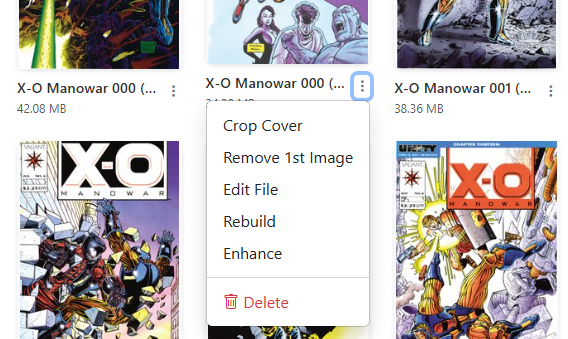
Accessible in the File Manager via the icon, or in the Collection view via the menu on any comic card.
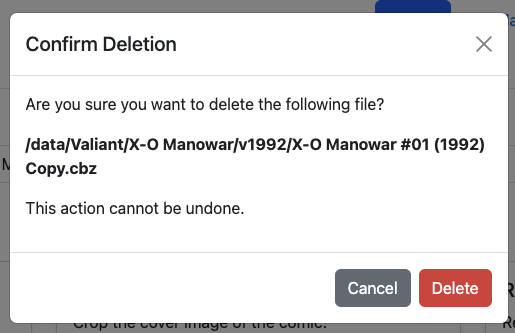
The Delete File utility removes an individual comic issue from disk. A confirmation dialog displays the target file name to prevent accidental removals:
Soft-Delete & Trash Can Protection
If the Trash Can is enabled in settings, deleted files are moved to /cache/trash rather than being permanently destroyed, allowing you to restore them if deleted by mistake.
See File Management: Delete & Trash for full details on recovery and size-based trash eviction.