Pull List and Series Management
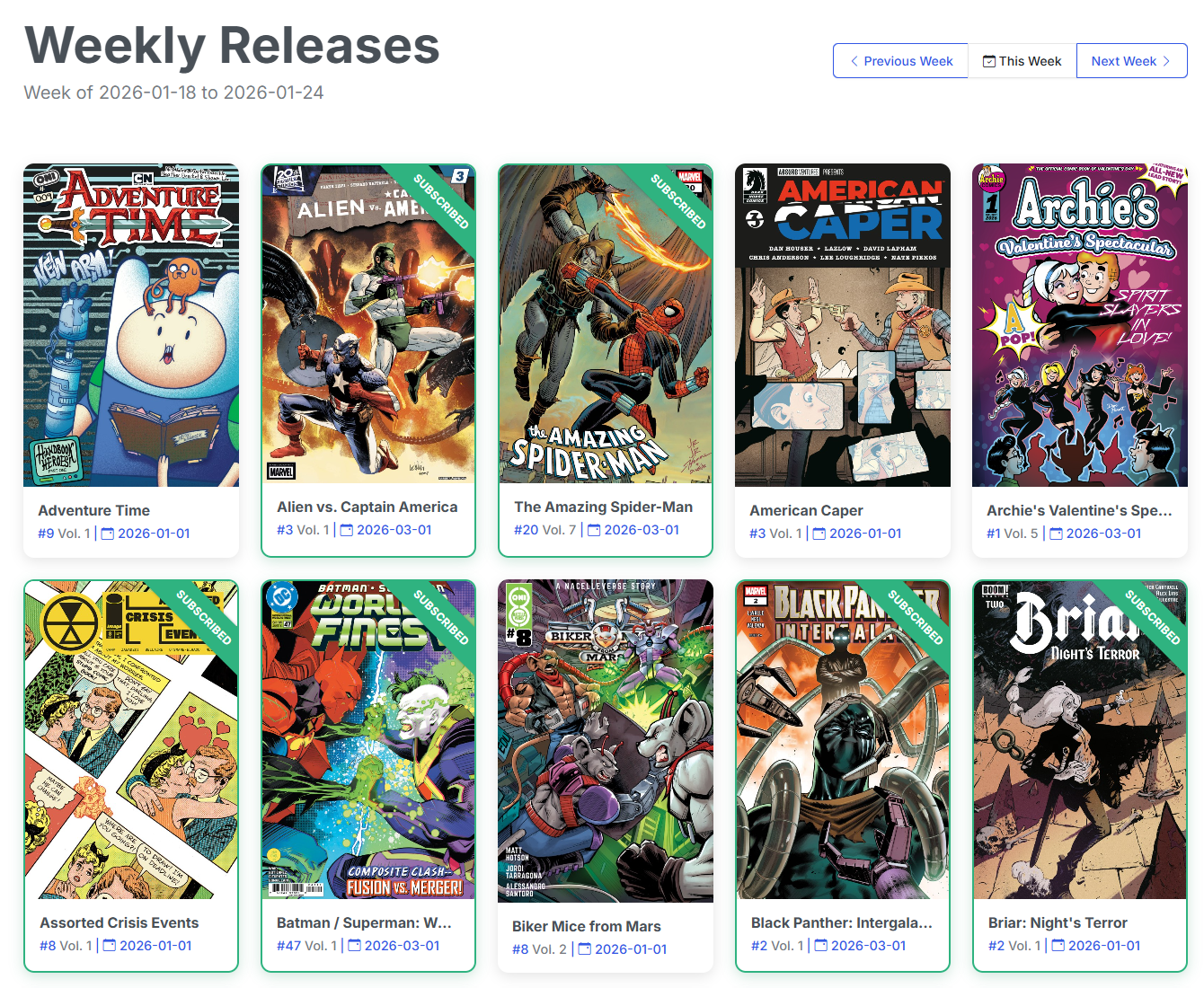
CLU features an integrated Pull List and series tracking system powered by the Metron database. Similar to a pull list at a local comic book shop, it lets you subscribe to ongoing series, track weekly release schedules, identify missing back-catalogue issues, and coordinate automated downloads.
Core Capabilities
- Weekly Releases: Browse current, past, and upcoming releases, filter by publisher, and subscribe in one click.
- Series Management: Map series to local folders, manage custom naming patterns, and reconcile owned versus missing issues.
- Automated Downloads: Feed missing issues directly into GetComics, Usenet, and DC++ download sweeps.
- Library Automap: Scan existing sidecars (
series.jsonandcvinfo) to import your entire library to the Pull List in a single pass.
Pull List Sections
| Section | Description | Documentation |
|---|---|---|
| Releases | Browse weekly release schedules with live publisher filter pills and deep-linkable URLs. | Releases |
| Series | Manage series subscriptions, folder mapping, and issue-level statuses. | Series |
| Pull List | Central dashboard showing collection health color-coding and bulk monitoring toggles. | Pull List |
| Wanted | Track missing back-catalogue issues and upcoming releases with integrated download searching. | Wanted |
| Weekly Packs | Automate weekly bulk publisher pack downloads (Marvel, DC, Image, Dark Horse, Indie). | Weekly Packs |
| Series Search | Search the Metron catalog by keyword to subscribe to new or ongoing series. | Series Search |
| Publishers | Manage publisher directory paths and view provider-linked publisher records. | Publishers |
| Automap | Scan existing library folders and sidecars to rapidly populate your Pull List. | Automap (Scan Library) |
Metron API Configuration
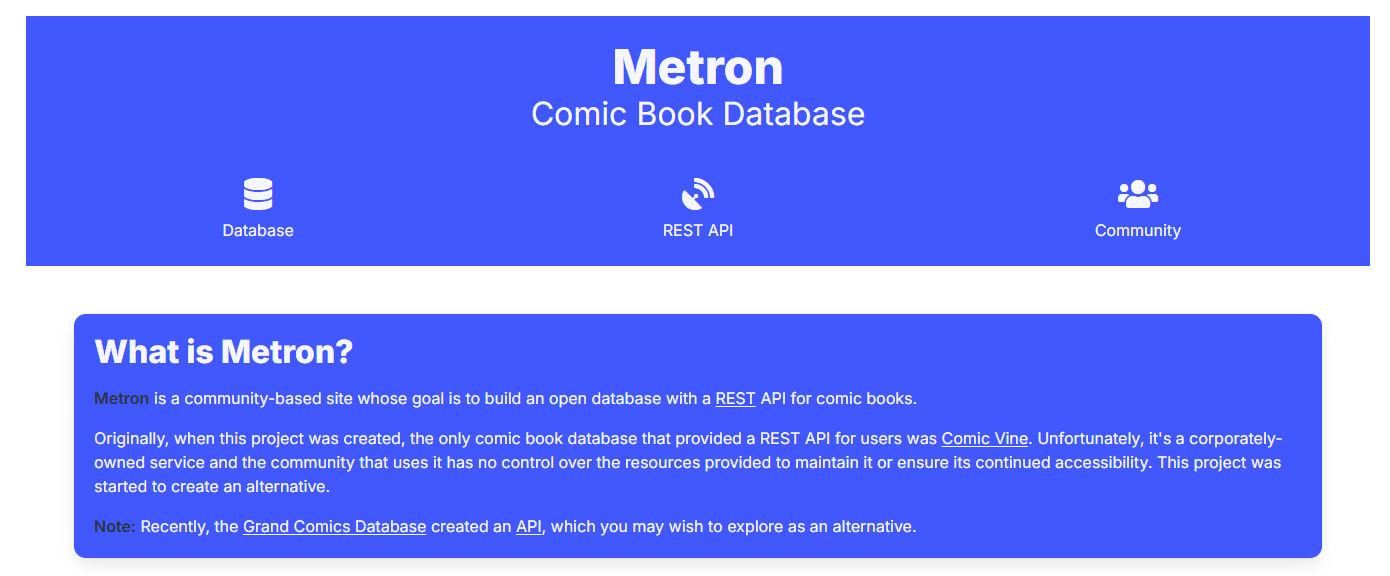
The Pull List relies on the Metron comic database for release calendars, issue checklists, and creator metadata.
To enable Pull List features, register for a free account at Metron and enter your credentials in Settings > Metadata Providers.