Schedules
The Schedules page is where you configure CLU's recurring background jobs — file-index rebuilds, the GetComics scrape index, Metron series sync, credit backfill, GetComics auto-download, and reading-list sync.
Open it from the gear menu in the top navigation → Schedules.
Times are local, stored as UTC
All schedule times are entered in your local timezone (set on the Personalization page) and stored internally as UTC. If your times look off, check that your timezone is set correctly.
Moved in v6.0
Scheduling used to live on the System & Performance settings tab. In v6.0 it has its own dedicated Schedules page, and a new GetComics Scrape Index schedule was added.
Every schedule works the same way:
| Control | Description |
|---|---|
| Frequency | Disabled, Daily, or Weekly. Disabled turns the job off. |
| Time | The time of day (your timezone) to run the job. |
| Day of Week | Only shown when frequency is Weekly — which day the job runs. |
| Save | Persists that schedule. Each schedule has its own Save button. |
Index & Sync Management
This card manages CLU's SQLite file search index and the jobs that keep your library data current.
Index Status
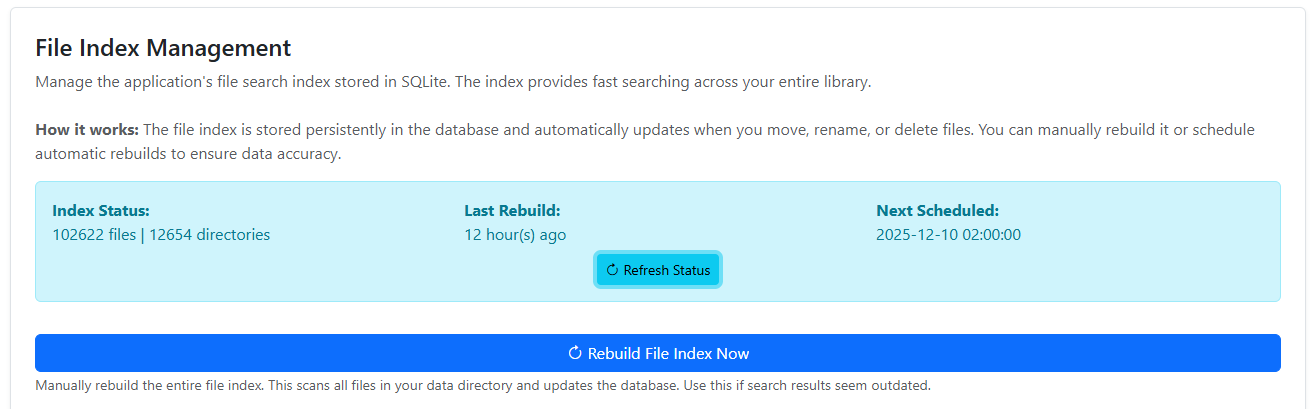
At the top you'll see the current Index Status (file and directory counts), the Last Rebuild time, and the Next Scheduled rebuild. Use Refresh Status to re-check.
Warning
New files won't appear in search or the metadata browser until the index includes them. Either rebuild manually or set an automatic schedule.
Rebuild File Index Now
Click Rebuild File Index Now to immediately scan your entire data directory and rebuild the index. Use this if search results seem outdated.
Automatic Rebuild Schedule
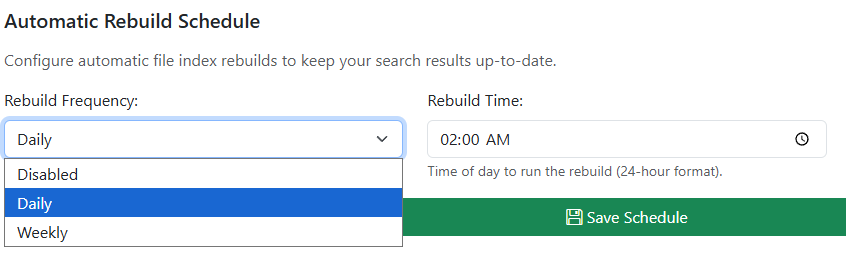
Set how often CLU rebuilds the file index automatically (Frequency / Time / Day of Week), then Save Schedule. Default is Disabled.
GetComics Scrape Index Schedule
The scrape index pre-populates a local cache of GetComics results — page titles, issue info, and download links — for your tracked series by scraping sitemap URLs. With it populated, wanted-issue searches can answer from the local cache instead of hitting GetComics live every time.
The status area shows how many entries are cached and the next scheduled run. Set the Frequency / Time / Day of Week and click Save Scrape Index Schedule.
New in v6.0
The GetComics scrape index and its schedule are new in v6.0.
Automatic Series Sync Schedule
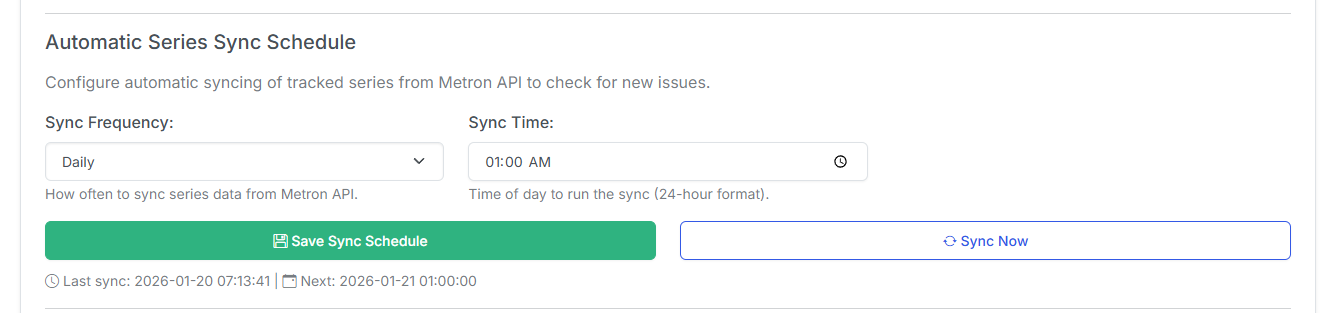
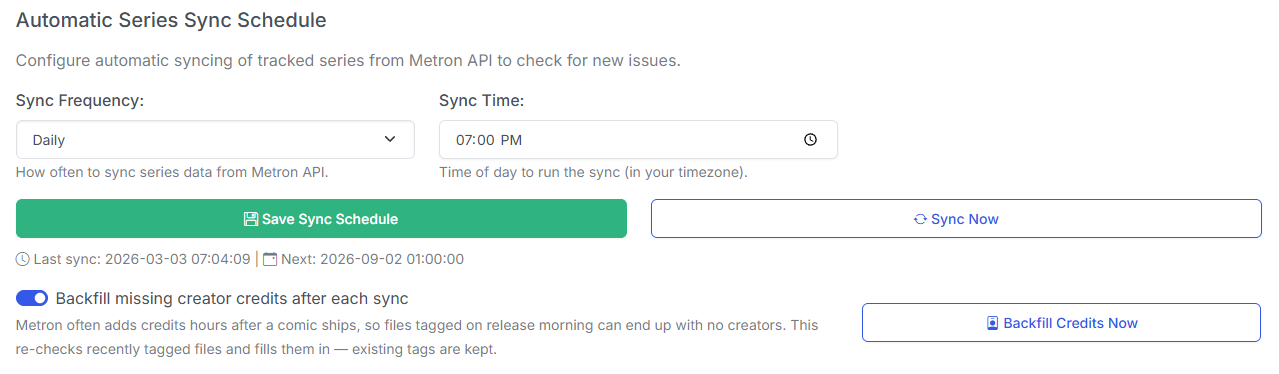
Configures how often CLU syncs your tracked series from the Metron API to check for new issues and updated details. Set the schedule and Save Sync Schedule, or click Sync Now to run it immediately. The last sync and next run are shown below the buttons.
Credit Backfill
New in v6.4
CLU can find comics that were tagged without creator credits and repair them automatically.
Why your comics have no credits
Comics tagged on release morning frequently came out with no creator credits at all. Two files from the same sweep, five seconds apart, would come out one with full credits and one with none — both naming Metron as the source, and Metron's API holding full credits for both.
Two causes compound:
- The Metron client library's response cache had no working TTL. It never checked the expiry column, and its cleanup only ran at startup — so on a long-lived container the effective TTL was process uptime. A fresh fetch could never displace a stale row; the old one had to be deleted outright.
- Metron finishes issue records after a comic ships. One reported issue was still being edited on Metron two hours after the file was written.
Either way the file was stuck permanently: once ComicInfo.xml carries a Notes field, every automatic tagging path skips that file forever — and a manual re-tag was a no-op, because the cache purge only dropped series responses and never the issue detail, which is the response carrying the credits. That's fixed too: Refresh from Metron on a series page now drops the issue bodies as well, and bulk re-tag with overwrite existing fetches through the purging path rather than rewriting the same half-entered record it was meant to repair.
How the sweep works
The backfill runs in two passes against one shared fetch budget:
| Pass | What it does |
|---|---|
| Changed records | Asks Metron which issues have been modified since the last sweep — the field that moves when an editor finishes a half-entered record — joins that list against your library, and repairs those. One paged call replaces a detail fetch per candidate, and it finds a comic tagged a year ago whose record was completed last night. |
| Credit-less files | The safety net for the other cause. When a file was tagged from a stale cached body, Metron's record may never have changed, so the first pass never mentions it. Recently written credit-less files are re-fetched directly. |
Two guarantees worth knowing:
- A file is only rewritten when Metron now actually has credits. A run that finds nothing touches no bytes.
- The rewrite merges. Tags the file already carries — your
Genre, your own edits — survive.
Candidates are limited to a 45-day window on the file's modification time, so a comic Metron will never have credits for ages out of scope instead of being re-fetched every night forever. The fetch budget caps Metron requests, not files examined — skips are nearly free — and a run stops early on either the budget or a spent daily quota.
No rescan, no restart
The join uses a new indexed column holding each file's Metron issue id. Existing rows are filled in by the metadata scanner in the background, at the lowest priority, whenever it has nothing else pending. There is no big-bang rescan to trigger and nothing to wait for on upgrade.
Controls
| Control | What it does |
|---|---|
| Enable credit backfill | Runs the sweep automatically after each series sync. |
| Backfill Credits Now | Runs it immediately, on demand. |
The on-demand run is backgrounded with progress in Active Operations, since a full sweep is paced at roughly 15 requests a minute and would outlast the gateway timeout.
The automatic run sits behind its own guard, so a backfill problem can never fail the series sync.
Metron only, for now
ComicVine has the same shape of problem — a day-of-release ComicVine issue often has no credits, and the same "already has Notes" skip locks it in. The candidate query is provider-agnostic, so a ComicVine arm can be added later.
GetComics Auto-Download Schedule

Configures how often CLU searches GetComics for wanted issues (with today's release date or later) and queues downloads. Set the schedule and Save GetComics Schedule, or click Download Now to run it immediately.
Weekly Packs takes over
If Weekly Packs is enabled, individual-issue auto-download is disabled and this section is greyed out — a banner links you to Manage Weekly Packs. Disable Weekly Packs to re-enable per-issue auto-download here.
Downloaded files are moved to the Series Folder once processed, and metadata is added at that time if missing.
Reading List Sync Schedule
Automatically syncs GitHub-sourced reading lists so CLU can detect upstream changes. Set the Frequency / Time / Day of Week and click Save Reading List Sync Schedule.