Settings
Config Settings
During installation or restart, some settings are set to default values and are persisted in the config volume
Folder Monitoring, must be enabled/disabled during install or startup.
App Settings
After installation, all other app options can be updated on the Settings page, reached from the gear menu in the top navigation.
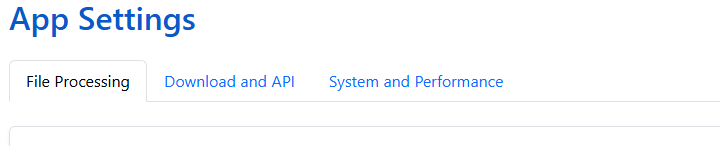
The Settings page is organized into tabs:
- Libraries — Add, edit, pause, and remove libraries
- File Processing — File monitoring, renaming, trash, and cleanup settings
- Download and API — Download provider priority, search variants, the client API token, and Komga sync
- Metadata Providers — Configure and prioritize metadata providers per library
- Download Clients — Usenet and DC++ download clients, indexers, and Source Priority
- System and Performance — Timeouts, timezone, cache, logging, and ComicInfo.xml cleanup
- Database — Database stats, integrity, and backups
- Personalization — Site-default theme, dashboard layout, folder art style, and recommendations
- Notifications — Push notifications for downloads and wanted issues (new in v6.4)
- Users — User accounts, roles, and library/folder grants (Store Owner only)
Schedules and Logs moved
Recurring jobs now live on their own Schedules page, and Logs has its own page too. Both are reached from the same gear menu, alongside Settings.
Settings is Store Owner only
In a multi-user install, every Settings tab requires the Store Owner role — including by direct URL. Readers and Clerks reach their own theme, dashboard layout, and API tokens from My Account instead.