Enhance Images
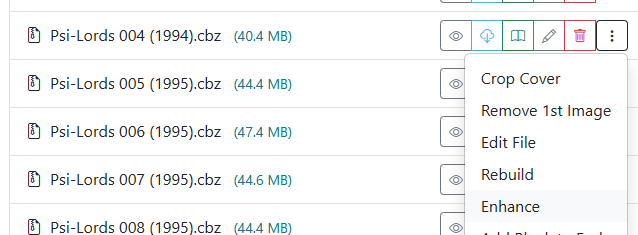
Accessible from the menu on any comic card in the File Manager or Collection view.
Vintage print scans and older digital comic releases often suffer from faded ink, elevated gray black-levels, and washed-out colors. The Enhance Images tool applies a non-destructive image curve optimization across every page in the selected CBZ archive, enriching contrast and color vibrancy while preserving bright paper highlights and fine line art.
Visual Comparison
| Before | After |
|---|---|
 |
 |
For a full technical breakdown of the modified S-curve algorithm and color space handling, see Directory Features: Enhance Images.